
Comment installer OpenClaw sur un nouveau Mac
Guide d’installation rapide: préparer le système, configurer Node et GitHub, puis finaliser l’onboarding OpenClaw.
1. Base système
xcode-select --install/bin/bash -c "$(curl -fsSL https://raw.githubusercontent.com/Homebrew/install/HEAD/install.sh)"echo 'eval "$(/opt/homebrew/bin/brew shellenv)"' >> ~/.zprofileeval "$(/opt/homebrew/bin/brew shellenv)"2. Node.js et pnpm
brew install fnmecho 'eval "$(fnm env --use-on-cd --shell zsh)"' >> ~/.zshrcsource ~/.zshrcfnm install --ltsfnm default lts-latestcorepack enablecorepack prepare pnpm@latest --activatewhich node && which pnpm3. SSH GitHub
which sshssh-keygen -t ed25519 -C "your_email@example.com"pbcopy < ~/.ssh/id_ed25519.pubssh -T git@github.comExemple ~/.ssh/config:
Host *  AddKeysToAgent yes  UseKeychain yes
Host github.com  HostName ssh.github.com  Port 443  User git  IdentityFile ~/.ssh/id_ed25519  ProxyCommand nc -X 5 -x 127.0.0.1:7897 %h %p
4. Installer OpenClaw
pnpm add -g @openai/codexpnpm add -g @google/gemini-clipnpm add -g openclaw@latestpnpm approve-builds -gopenclaw onboard --install-daemonChoix recommandés: QuickStart, fournisseur OpenAI, hooks activés.
5. Vérification rapide
node -v && pnpm -v && openclaw --versionSi tout est correct, l’environnement OpenClaw est prêt.
Publié le: 3 mars 2026 · Modifié le: 3 mars 2026

Articles similaires

Build12 févr. 2026
Guide Complet de Configuration d'Environnement de Développement Moderne pour Mac avec Puce M
Construire7 févr. 2026
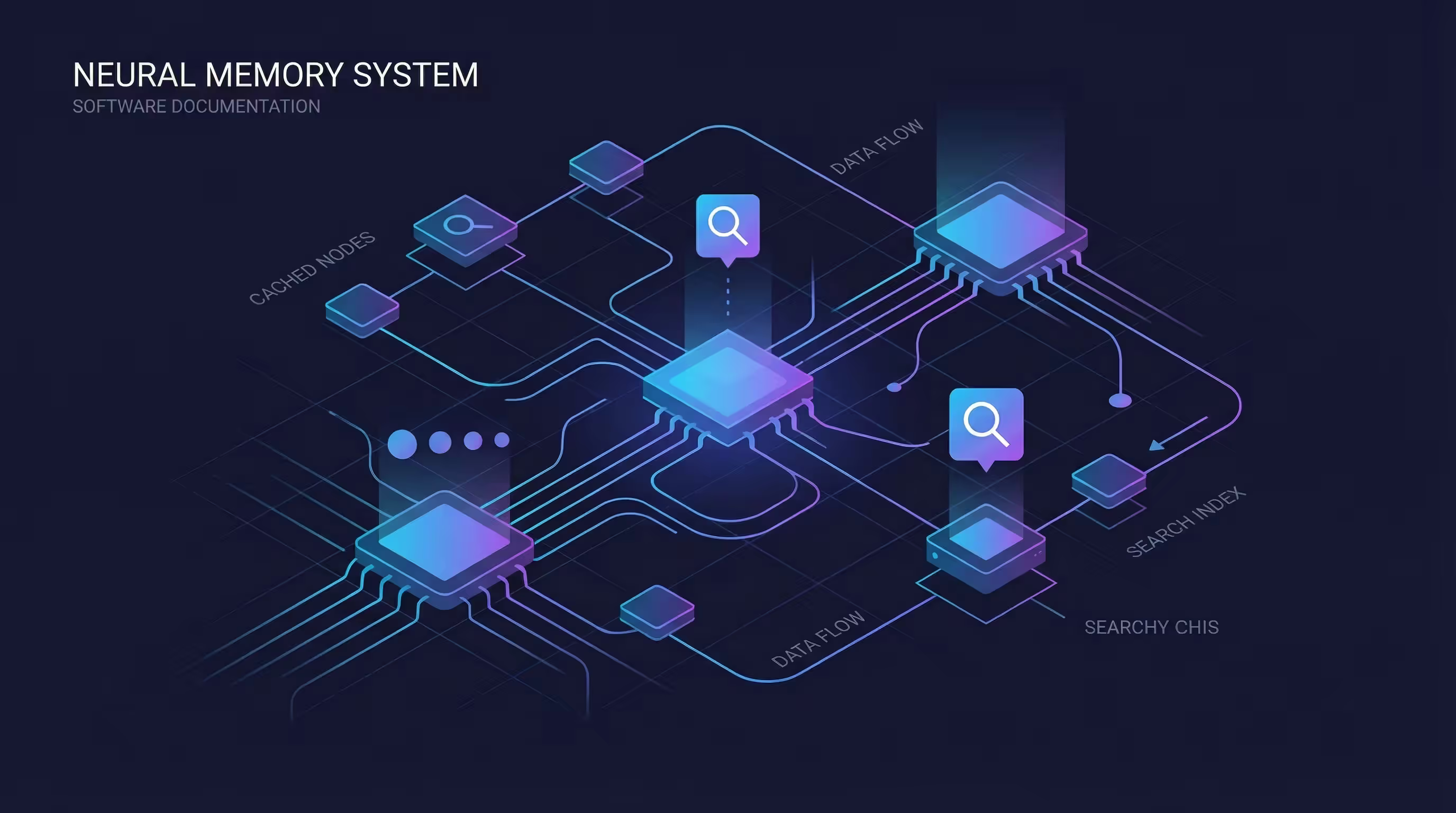
Activer le backend mémoire QMD pour OpenClaw sur Mac Apple Silicon
Construire6 févr. 2026